UFC Betting Mobile Apps UK: In-Play Latency and Features
 Available in US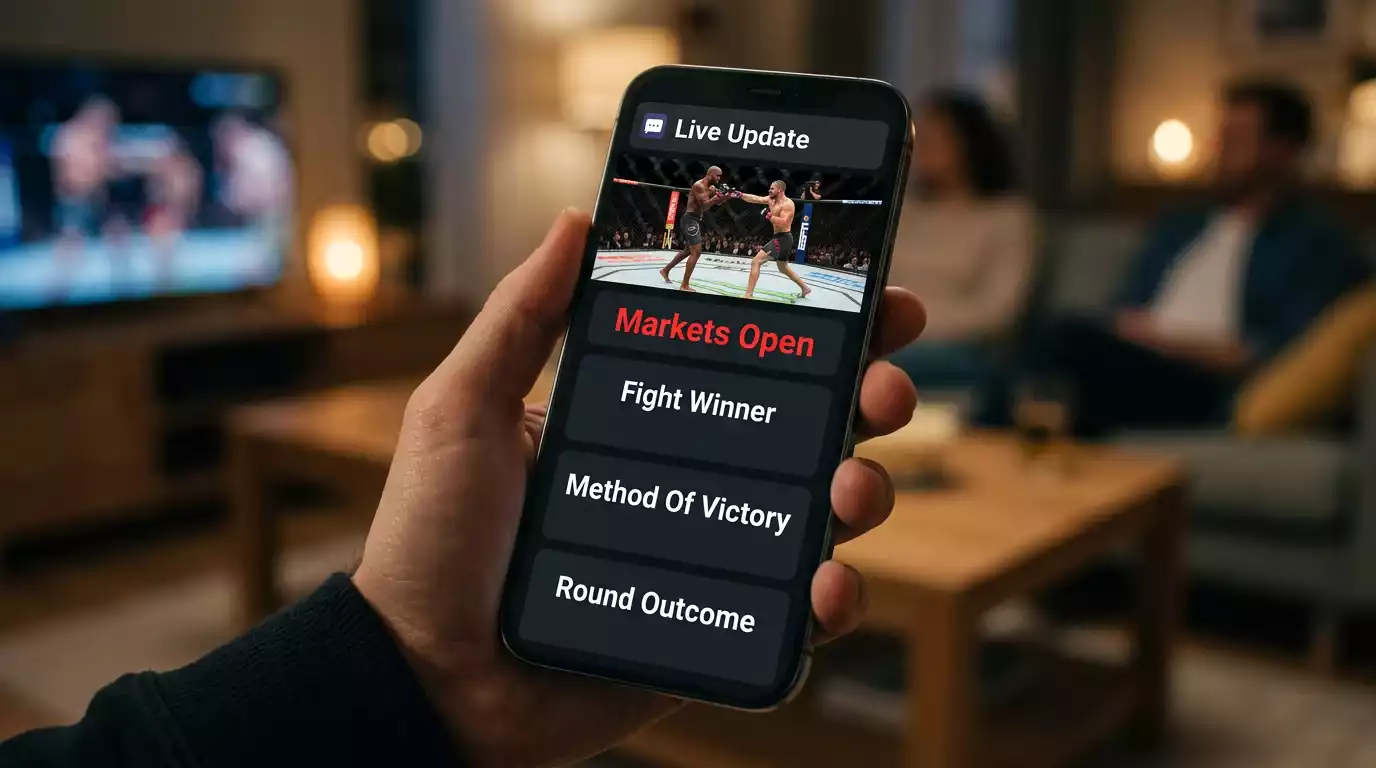
Table of Contents
- Mobile App In-Play Latency for UK UFC Betting
- Native apps versus PWA: the Apple question
- What live update latency actually costs
- Push notifications and the discipline they require
- Biometric login and the friction question
- Responsible tooling directly from the app
- What an adequate app looks like in practice
Mobile App In-Play Latency for UK UFC Betting
The first time I lost a bet to lag, I was sat at a UFC London Fight Night with a half-decent in-play position open on a heavy favourite. The fighter ate a counter, hit the canvas, and my cashout button was still showing the pre-knockdown value when the referee waved it off. Total time from impact to settled bet: under three seconds. My phone was a beat behind the broadcast, and the operator’s app was a beat behind my phone. That gap is the whole story of ufc betting mobile apps uk — the operator’s brand on the icon matters less than the technical pipeline behind the live data.
The mobile experience now dominates UFC betting in the UK. Live MMA accounts for around 11% of all live-bet clicks on major US sportsbook platforms, and the share is comparable in the UK market. That means the in-play experience — push notifications, biometric login, live odds refresh, cashout latency — is increasingly the product itself, not a secondary feature of the website.
This piece is about what to look for in the app you actually use on fight night. We’ll cover the native versus PWA question, what live latency looks like across UK operators, push notification discipline, biometric and security defaults, and the responsible-gambling tooling that should be a tap or two from the home screen. The point isn’t to rank apps. It’s to give you a framework for evaluating whether the app you have meets the bar that an active in-play UFC bettor actually needs.
Native apps versus PWA: the Apple question
UK punters often don’t realise that not every operator offers a native UFC betting app in the App Store. Apple’s policies on gambling apps require operators to maintain a developer account in good standing, deal with each App Store regional approval, and meet Apple’s content standards. Some UK operators choose not to invest in the App Store and instead deliver a progressive web app — a website that behaves like an app once added to the home screen.
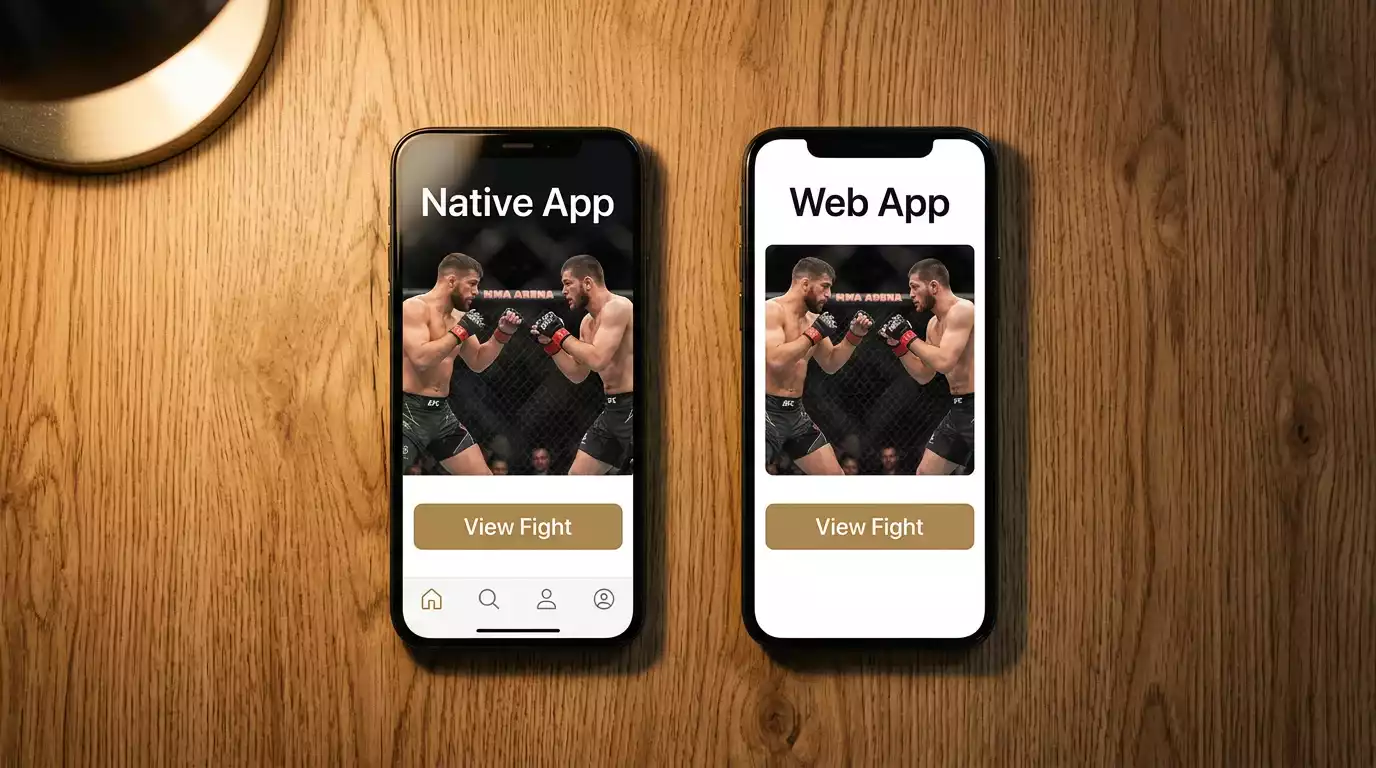
Google Play has historically been friendlier to UK gambling operators, so the Play Store coverage is broader. The trade-off is that Android allows operators to push native apps with deeper integrations: faster live update cycles, more responsive push notifications, and more granular biometric controls. iOS users often get a more polished PWA experience but lose some of the native depth, particularly around push.
What this means for the UK user: if you’re an iOS user, check whether your preferred operator has a native App Store presence before deciding. If they only offer a PWA, the experience is usually competent for pre-match betting but can lag during fast in-play sequences. If you’re on Android, the operator’s investment in the native app is the right thing to evaluate — interface quality, update frequency, and the depth of the in-play menu.
The PWA experience itself has improved sharply in the last two years. Modern PWAs cache enough of the interface to behave nearly as fast as native apps, support push notifications (with some platform-dependent limits), and integrate with biometric authentication via the browser’s Web Authentication API. On most operators, the gap between native and PWA is smaller than it was three years ago. But it isn’t zero.
What live update latency actually costs
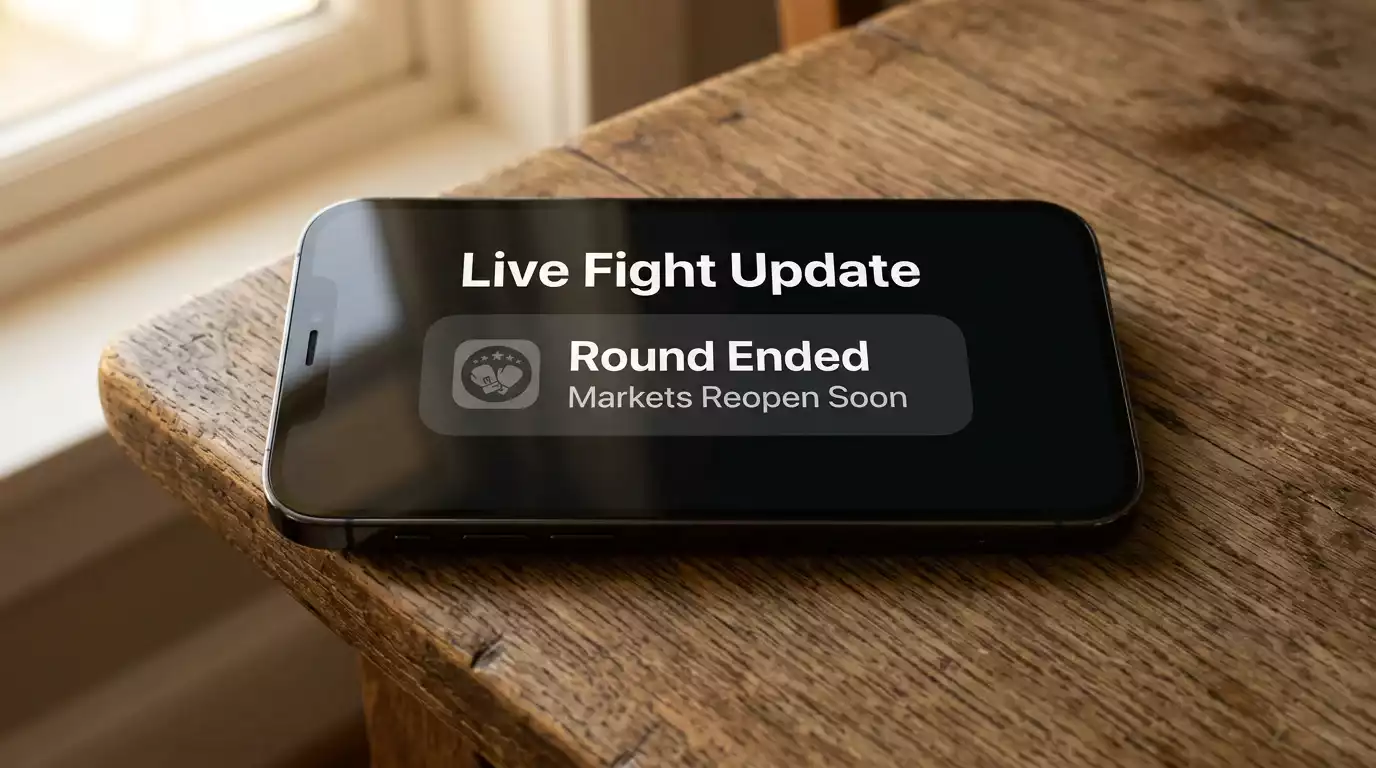
The number that matters most on a UFC fight night is the round-break refresh time — the gap between the round ending and the operator re-opening updated markets for the next round. On the best UK apps this is under 15 seconds; on the worst it can stretch to 60 seconds or more, particularly when the operator is pricing multiple sports simultaneously.
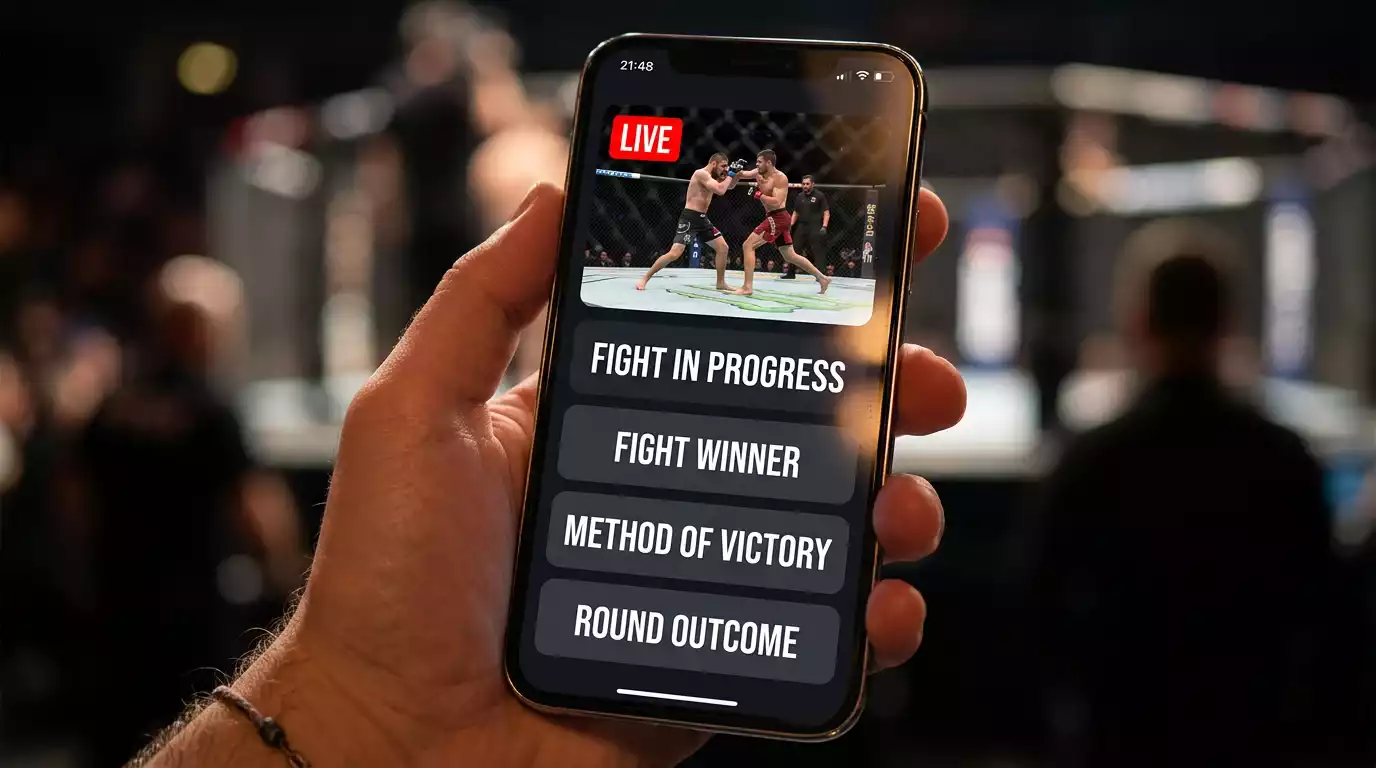
Between-round latency matters because it’s the window where the live moneyline, the updated round totals, and the method-of-victory live prices reflect the new reality of the fight. If a heavy favourite has been winning rounds but looks gassed in the third, the round-three closing window is exactly when an informed in-play bet has the edge — and an app that lags 60 seconds behind the broadcast hands that edge to the operator’s risk team, who can adjust prices faster than you can place the bet.
Live MMA’s 11% share of all live-bet clicks on the major US sportsbooks tells you the demand for fast in-play UFC betting is enormous, and the operators with the strongest combat sports tech have invested accordingly. UK operators inherit some of that investment when they share parent companies or technology platforms with US-licensed brands, and the result is that the gap between best-in-class UK apps and the laggards is widening — the top performers have invested in feed reliability and order routing that makes the live experience near-broadcast.
The practical test you can do yourself: open the app you currently use during a Fight Night, watch a round end on the broadcast, and time the gap until the markets reopen. Under 15 seconds is competitive. Twenty to 30 seconds is acceptable for casual betting. Over 30 seconds means you’re losing the most valuable window of in-play opportunity on every fight.
Push notifications and the discipline they require
Push notifications are the most underrated UX feature on UFC betting apps — and the most dangerous one if you don’t manage them. The useful side: fight-start alerts, round-end alerts, cashout-available reminders for active positions, and result confirmations all let you stay on top of action without watching your phone the whole evening. The dangerous side: promo notifications, “Boosted price available!” prompts, and “Your friend just won £X” social notifications are explicitly designed to pull you back into the app to place additional bets.
Dana White summed up the UFC’s global push earlier this year, talking about a stop on the schedule: “We’re going to go to Baku this year. So when people think that I’m full of sh-t when I say we’re going everywhere, well, there you go.” The UFC’s expansion calendar — 13 PPVs plus around 30 Fight Nights in 2026, spread across new venues globally — means there’s a UFC fight available to bet on most weekends. Combined with always-on push notifications, that creates a constant stream of betting prompts that the disciplined UK punter has to manage actively.
My standing rule: enable functional push notifications (round-end, cashout alerts, settlement confirmations) and disable marketing notifications entirely. Every major UK operator allows this split in the app’s settings, usually under “Notifications” with separate toggles for “Account activity” and “Promotional offers”. The setup takes 30 seconds and removes a meaningful behavioural pressure on every fight week.
The other discipline worth applying: disable notifications outside fight nights. UFC cards are weekend events. If you’re getting Tuesday afternoon push alerts about boosted prices on a Wednesday undercard you weren’t planning to bet, those notifications are running against your betting strategy, not with it.
Biometric login and the friction question
Face ID, fingerprint authentication, and PIN logins are now standard on UK gambling apps, and the choice between them has real implications. The principle behind biometric login is convenience — open the app, look at it, see your account. The unintended consequence is that biometric login removes the friction that protects you from impulsive deposits.
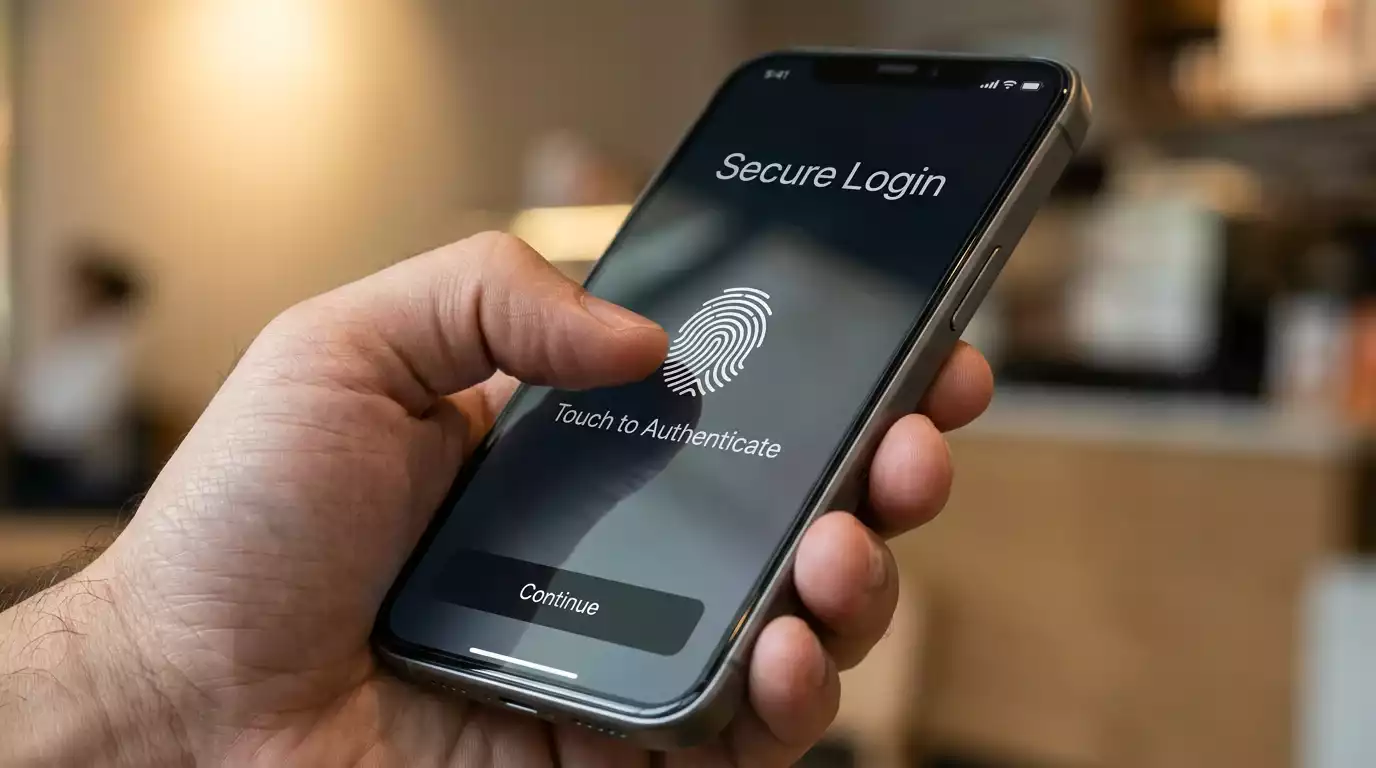
The middle ground that works for most disciplined punters: enable biometric login for account access, but disable biometric authentication for deposits. Most UK operators support this split — biometric to open the account, password or PIN to deposit funds. That tiny extra friction at the deposit step is precisely the moment where impulsive behaviour gets caught. Three seconds of typing a PIN is enough time to think “do I actually want to deposit £100 right now?” — and the answer surprisingly often is no.
Two-factor authentication is the security side of the same question. Every UK operator licensed by the UKGC supports 2FA, usually through SMS or an authenticator app. The recommendation is straightforward: enable it. Account takeovers are rare but real, and the financial recovery process for a UKGC-licensed account is much easier than for an unlicensed one — but easier still if the account wasn’t compromised in the first place.
Session timeouts are the third element. Default settings on most apps are 30 to 60 minutes of inactivity before re-authentication is required. Shortening that to 15 minutes or less is a small protection that prevents someone else (kids, partners, friends) from opening a logged-in app and placing bets you didn’t authorise. UKGC dispute resolution covers most of these scenarios, but not having to invoke it is the cleaner outcome.
Responsible tooling directly from the app
The strongest argument for UKGC-licensed UK mobile apps is the responsible-gambling tooling that’s built directly into the interface. Deposit limits, reality checks, time-outs, and self-exclusion are all required to be accessible from within the app — and on the better operators, they’re one or two taps from the home screen.
About 10% of UK 18 to 24 year olds score 8 or higher on the PGSI, the recognised threshold for problem gambling. That figure is several times the general adult population’s 2.7% rate, and it shapes the tooling the UKGC requires. For younger UK customers in particular, the mobile-app implementation of deposit limits and self-exclusion is the most accessible and most immediately effective control.
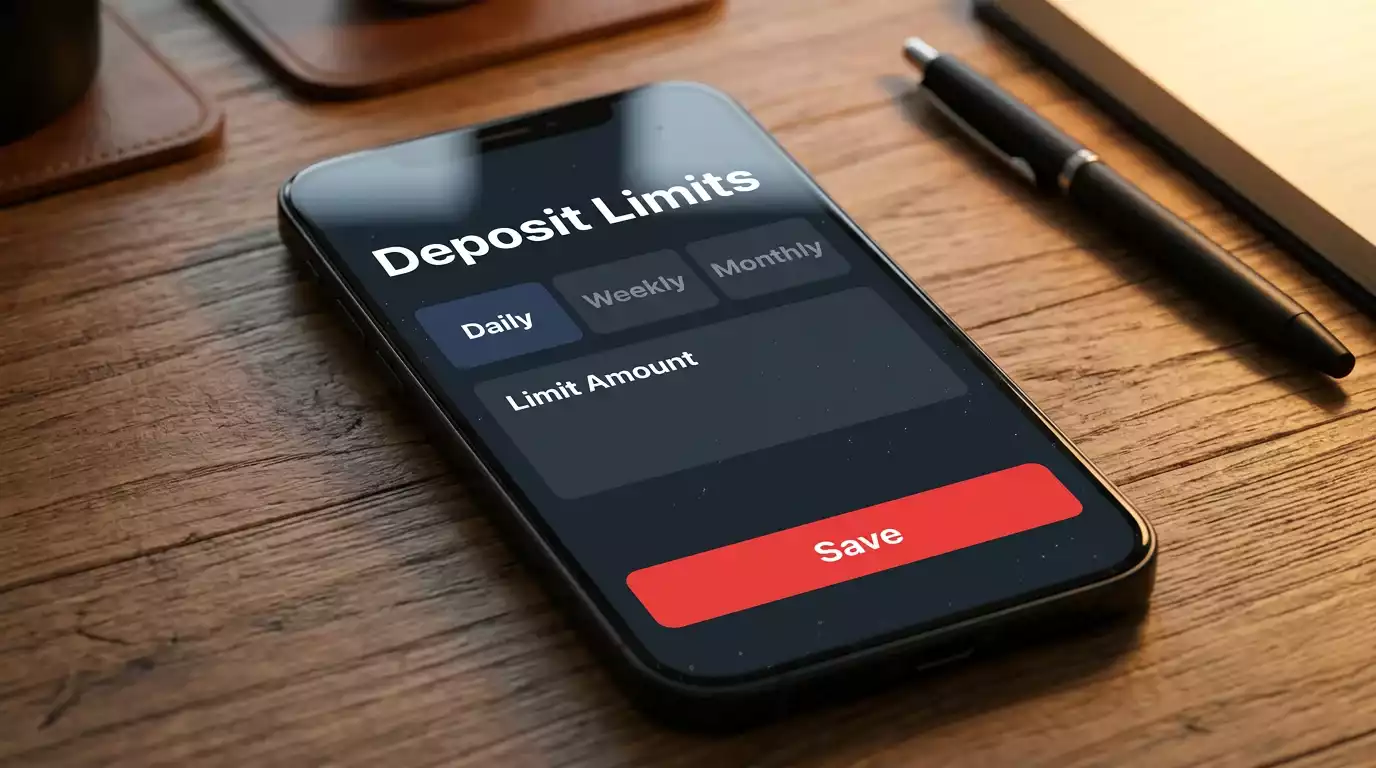
The deposit limit interface is the one I check first when opening an account with any new operator. The standard pattern: a menu under “Account” or “Settings” labelled “Responsible Gambling” or “My Limits”, with separate fields for daily, weekly, and monthly deposit caps. Reductions take effect immediately; increases trigger the UKGC-mandated 24-hour cooling-off period. A working deposit limit set on day one is the simplest possible protection against the kind of escalation that develops slowly over months.
Reality checks are the second feature worth using. Set to fire every 30 or 60 minutes of active app use, they pause the interface with a session summary — time logged in, total wagered, current account balance — and require an explicit acknowledgment before continuing. They sound paternalistic. In practice they’re useful, particularly during long Fight Night sessions where time slips. Most punters disable them within a month; the disciplined ones keep them on.
Self-exclusion is the strongest tool and the most important to know is accessible. Every UKGC-licensed app provides a self-exclusion option that simultaneously registers you with GamStop, which blocks all UK-licensed gambling sites for the chosen period. Once activated, it can’t be reversed before the period ends. For the wider context of how this layer of protection interacts with the live in-play experience, the discipline of setting in-play limits before the fight starts applies as much on mobile as it does on desktop.
What an adequate app looks like in practice
An adequate UK mobile app for UFC betting has under-15-second round-break refresh, functional push notifications that can be split from marketing notifications, biometric login that can be configured separately for access and deposits, 2FA support, and one-tap access to deposit limits and self-exclusion. Everything above those baselines is product quality. Anything below those baselines is a reason to reconsider the operator.

The operator-by-operator picture changes month to month as apps get updated, and I don’t try to rank apps for that reason — by the time a ranking would be published, half the rankings would be out of date. What doesn’t change is the framework: technical latency, notification discipline, security defaults, and responsible-gambling tooling. Those are the four axes that matter, and they’re the four axes most UK punters never explicitly evaluate when picking an app. Spending a fight card paying attention to those criteria — rather than to which operator has the flashiest interface — is the single best way to upgrade the mobile UFC experience.
Why are UFC betting apps not always in the UK App Store?
Apple’s App Store policies on gambling are stricter than Google’s Play Store, requiring developer-account approvals and content reviews per region. Some UK operators choose not to maintain native iOS apps and instead direct iOS users to a progressive web app — a website that installs to the home screen and behaves similarly. The PWA experience is usually competent for pre-match betting but can lag behind native apps during fast in-play sequences. Android Play Store coverage is broader because Google’s policies are less restrictive.
Can I link GamStop directly inside a UFC betting app?
Not exactly. GamStop is a separate national self-exclusion register that you sign up to once, and it then blocks all UKGC-licensed sites for your chosen period (6 months, 1 year, or 5 years). Inside a UFC betting app, you can self-exclude from that operator specifically — and on UKGC-licensed sites, this typically triggers automatic registration with GamStop on your behalf. So the practical answer is that the app’s self-exclusion route does effectively connect you to GamStop, but GamStop itself is registered at gamstop.co.uk rather than inside any individual operator’s app.
Created by the ”bet on ufc Fight” editorial team.